Joining an In-Class Exercise Group
This document outlines instructions for joining an in-class exercise group on Canvas.
- Go to the Canvas page for this course.
- Navigate to the “People” page on the left sidebar.
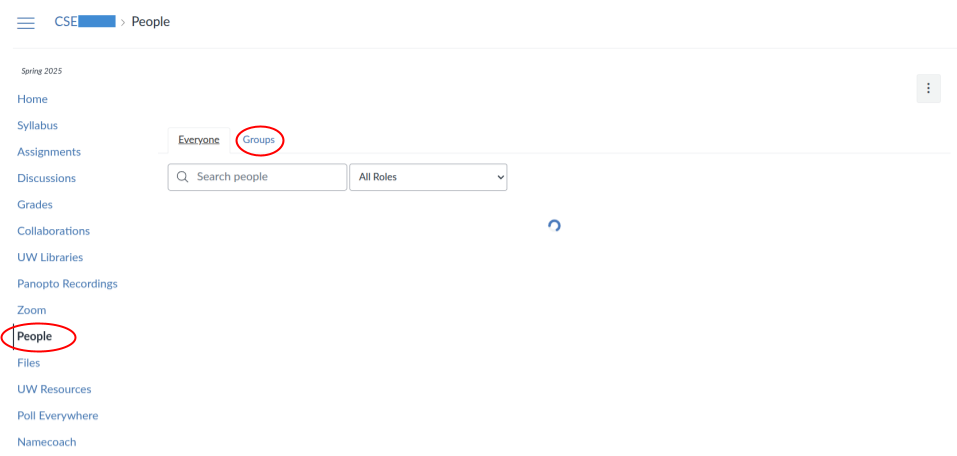
- Click on the “Groups” tab at the top of the page.
- Search for the name of the exercise or scroll down.
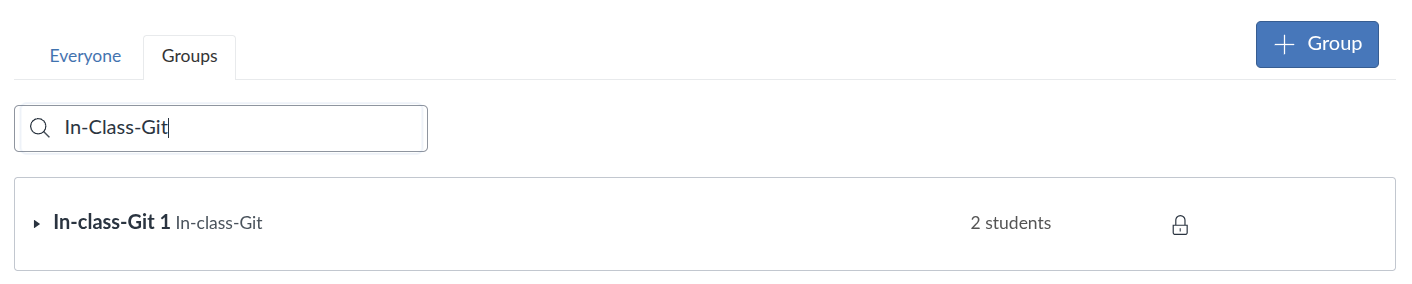
- Join an open group.